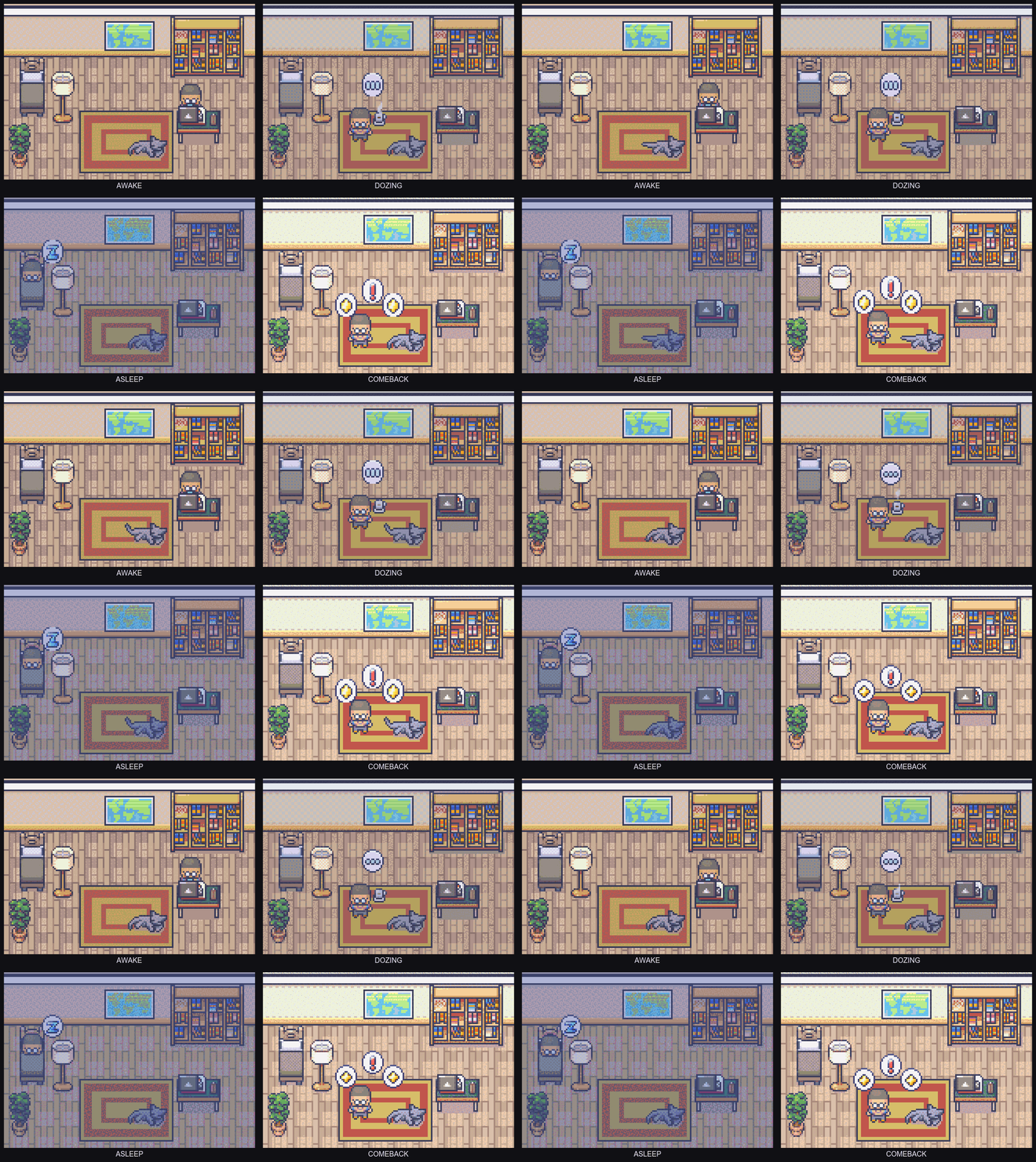
Quiet when you work.
There when you
come back.
You juggle projects, branches, AI agents. Things slip.
Not because you forgot, but because coming back feels heavy.
KeepGoing watches your momentum across every project.
When something goes cold, it brings you back with one small step.
No notes. No setup. Lives in your menu bar, terminal, and AI tools.
Your next step, wherever you land first:
Lives with your repo. Works with your tools. Set up in 30 seconds.
Senior Full Stack Engineer with 10+ years experience building SaaS platforms. Building KeepGoing because I kept abandoning projects that mattered to me.
You know this feeling
You have six repos on your machine. Three of them haven't been touched in weeks.
You remember what they are. You could open any of them right now. But you don't. Because picking up where you left off feels like starting over, and starting over feels heavy.
So the billing migration sits. The side project sits. The open source PR you were excited about sits.
It's not forgetting. It's friction. The longer a project sits, the harder it is to go back.
How KeepGoing works
See everything at a glance.
You're running three agents across two branches. The menu bar shows all of it: what's active, what's idle, what's done.
One calm surface instead of juggling terminal tabs. See which sessions are writing to the same files, which branches overlap, and where to pick up next.
No context needed. Just open the menu bar and the big picture is right there.
KeepGoing
now
billing-migration hasn't been touched in 9 days.
Next step: Add the Stripe webhook handler.
Cold projects don't stay forgotten.
Haven't touched a project in 9 days? KeepGoing nudges you back with one small next step. Not a wall of context, just the thing to do next.
Three nudges, then it stops asking. Your call.
Feel the progress you're making.
Not gamification. Just enough visibility to fight the feeling of "too many plates spinning."
This month
Your AI tools start informed.
KeepGoing exposes your project state through MCP. Claude Code, GitHub Copilot, any MCP-compatible tool gets a briefing the moment it connects.
No "here's what I was working on" prompts.
$ claude
SessionStart hook: KeepGoing context loaded
Welcome back! Here's where you left off:
Branch: feat/auth-flow
Last session: 3 hours ago
Working on: JWT refresh token rotation
Next step: Add token expiry check to middleware
Ready to pick up from the token expiry check?
Works with Claude Code, GitHub Copilot, and any MCP-compatible AI tool.
Why I'm building this
I kept abandoning projects that mattered to me.
Not big dramatic abandonments. Small ones. A side project I was excited about on Friday would feel impossibly far away by Monday. A migration I was halfway through would sit for two weeks because I couldn't face the ramp-up.
The problem wasn't remembering what to do. Git handles that. The problem was the weight of coming back. So I built something that makes coming back feel light.
Get started
Pick your surface. Every tool you add makes coming back easier.